1. Create your company
Sign up with your email, then enter your company name and country. The country sets your time zone, currency, weekend and a starting template for overtime rules and public holidays. You can change all of it later in Settings → Company and Settings → Overtime and rules.
New companies start with a free 14-day trial of বিজনেস, with no card needed. See Billing and plans.
2. Follow the guided setup
After you create the company, a short setup takes you through four steps. You can skip any step and come back later.
- Work location: search an address or use your current location. People who clock in inside the circle are marked as on site. You can draw an exact area later under Locations.
- Your team: paste one person per line, name then mobile number. Have a spreadsheet? Use the CSV import on the People page instead.
- Clock-in links: each person gets a personal link that opens the clock-in screen on their phone. No app and no password. See Clock-in links.
- Test clock-in: scan the QR code with your own phone and press Clock in. It takes about 30 seconds.
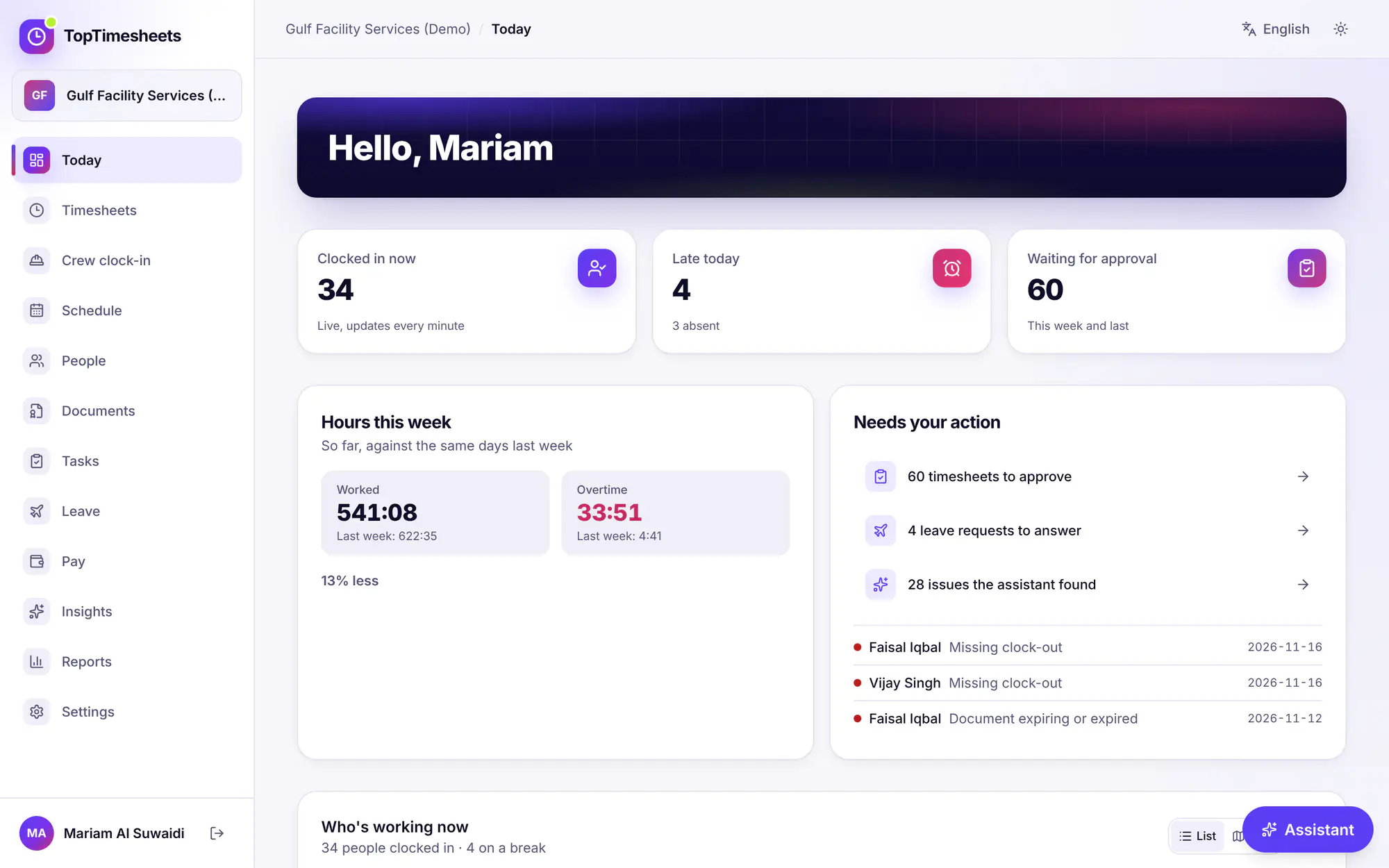
3. Your dashboard
Today shows who is in, who is late and what is waiting for your approval.
4. Invite managers and payroll staff
Workers never need an account: they use their clock-in link. Managers, admins and payroll staff sign in to the web app. Invite them in Settings → Team access with Create invite link. The link is valid for 14 days. Roles decide what each person can see and change, for example Payroll admin for pay runs or Advisor (read-only) for your accountant.
Next steps
17 নভেম্বর, 2026 তারিখে প্রোডাক্টের সাথে মিলিয়ে দেখা হয়েছে